ClickUp vs Smartsheet
 ClickUp
 Smartsheet
We may earn a commission from links on this page, at no extra cost to you. It never changes our picks. How we make money.
Quick verdict
ClickUp edges it overall, winning 2 of 4 rating categories. ClickUp is cheaper to start ($10 vs $12).
Choose ClickUp if…
You’re teams that want projects, docs and chat in one app on a budget. An all-in-one work platform (tasks, docs, whiteboards, chat, goals and dashboards) with ClickUp Brain AI as an add-on. Enormous feature set for the price.
Visit ClickUpChoose Smartsheet if…
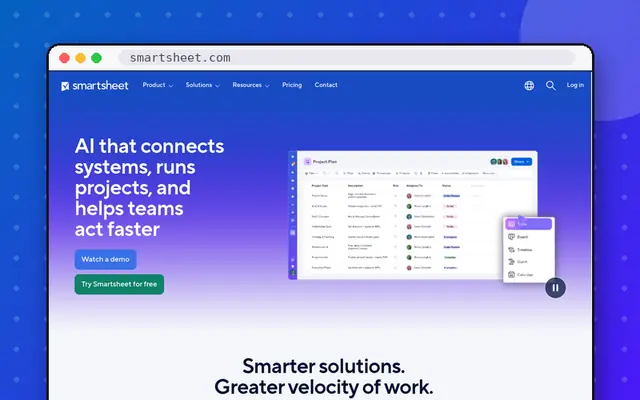
You’re operations teams and PMOs that think in spreadsheets. Spreadsheet-style project management for operations and PMOs: grids, Gantt charts, dashboards and automations familiar to anyone who knows Excel.
Visit SmartsheetSide by side
| ClickUp | Smartsheet | |
|---|---|---|
| Our rating | 4.4/5 | 4.3/5 |
| Value | 4.6/5 | 4.1/5 |
| Features | 4.8/5 | 4.6/5 |
| Ease of use | 3.9/5 | 4.2/5 |
| Output quality | 4.3/5 | 4.4/5 |
| Category | Project management | Project management |
| Free plan | Yes: unlimited tasks and members, 60 MB storage | No: free trial |
| Cheapest paid plan (monthly) | $10/mo | $12/mo |
| Same plan billed yearly | $7/mo | $9/mo |
| Top plan | Business: $19/mo | Business: $24/mo |
| Seats | Per user | Per member; contributors and guests free |
| Trial / refund | Free plan | Free trial |
| Platforms | Web, Windows, Mac, iOS, Android | Web, Windows, Mac, iOS, Android |
| Best for | Teams that want projects, docs and chat in one app on a budget | Operations teams and PMOs that think in spreadsheets |
ClickUp: pros & cons
- Most features per dollar
- Generous free plan
- Highly customizable views and automations
- Steep learning curve
- AI costs extra
- Can feel cluttered
Smartsheet: pros & cons
- Familiar spreadsheet interface
- Strong Gantt and dashboards
- Free contributors and viewers
- No free plan
- Feels dated next to monday.com or ClickUp
Questions from readers
Still deciding between these two? Ask a question and we will answer it here.