 Cursor
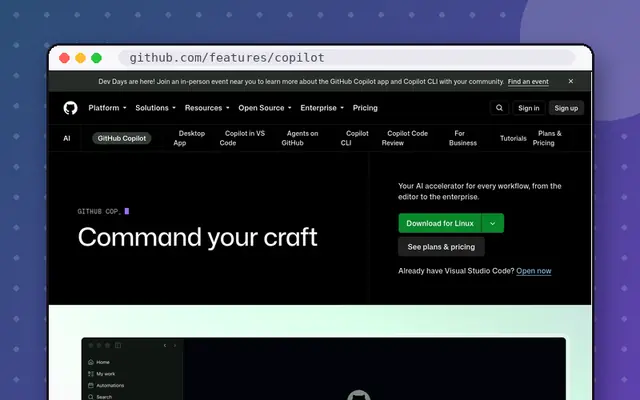 GitHub Copilot
Choose Copilot if…
You use JetBrains, Visual Studio or Xcode, want tight GitHub integration, or want the lowest price.
Choose Cursor if…
You’re happy in a VS Code-style editor and want the most capable agent for larger changes.
We may earn a commission from links on this page, at no extra cost to you. It never changes our picks. How we make money.
GitHub Copilot ($10/mo Pro) works inside the editors you already use and is the better value. Cursor ($20/mo Pro) is an AI-first editor whose agent handles bigger, multi-file tasks with your choice of models.
| Cursor | GitHub Copilot | |
|---|---|---|
| Our rating | 4.5/5 | 4.5/5 |
| Value | 4.3/5 | 4.7/5 |
| Features | 4.8/5 | 4.4/5 |
| Ease of use | 4.3/5 | 4.6/5 |
| Output quality | 4.7/5 | 4.4/5 |
| Category | AI coding | AI coding |
| Free plan | Yes: limited agent requests | Yes: limited completions and chat |
| Cheapest paid plan (monthly) | $20/mo | $10/mo |
| Same plan billed yearly | - | $8.33/mo |
| Top plan | Ultra: $200/mo | Pro+: $39/mo |
| Seats | Individual; Teams per user | Individual; Business/Enterprise per user |
| Trial / refund | Free Hobby plan | Free tier; trials on paid plans |
| Platforms | Mac, Windows, Linux (VS Code-based editor) | VS Code, JetBrains, Visual Studio, Xcode, GitHub, CLI |
| Best for | Developers who want the most capable AI coding agent | Developers who want AI inside their existing editor |
You use JetBrains, Visual Studio or Xcode, want tight GitHub integration, or want the lowest price.
You’re happy in a VS Code-style editor and want the most capable agent for larger changes.
Cursor has its own AI features; most people use one or the other.
Still deciding between these two? Ask a question and we will answer it here.