 monday.com
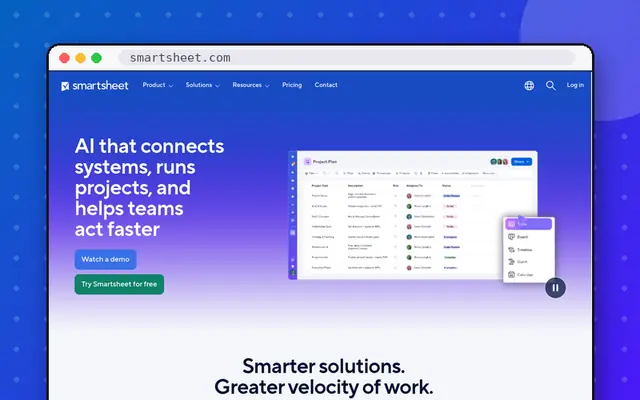 Smartsheet
At a glance
| monday.com | Smartsheet | |
|---|---|---|
| Free plan | 2 seats | No |
| Entry (yearly) | $9/seat (3-seat min.) | $9/member |
| Feel | Visual boards | Spreadsheet grid |
We may earn a commission from links on this page, at no extra cost to you. It never changes our picks. How we make money.
Smartsheet feels like a powerful spreadsheet: great for ops teams and PMOs. monday.com is more visual and easier for everyone.
| monday.com | Smartsheet | |
|---|---|---|
| Our rating | 4.4/5 | 4.3/5 |
| Value | 4/5 | 4.1/5 |
| Features | 4.6/5 | 4.6/5 |
| Ease of use | 4.7/5 | 4.2/5 |
| Output quality | 4.4/5 | 4.4/5 |
| Category | Project management | Project management |
| Free plan | Yes: up to 2 seats and 3 boards | No: free trial |
| Cheapest paid plan (monthly) | $9/mo | $12/mo |
| Same plan billed yearly | $9/mo | $9/mo |
| Top plan | Pro: $19/mo | Business: $24/mo |
| Seats | Per seat, sold in buckets with a 3-seat minimum | Per member; contributors and guests free |
| Trial / refund | 14-day trial of Pro | Free trial |
| Platforms | Web, Windows, Mac, iOS, Android | Web, Windows, Mac, iOS, Android |
| Best for | Non-technical teams that want an easy, visual project tracker | Operations teams and PMOs that think in spreadsheets |
| monday.com | Smartsheet | |
|---|---|---|
| Free plan | 2 seats | No |
| Entry (yearly) | $9/seat (3-seat min.) | $9/member |
| Feel | Visual boards | Spreadsheet grid |
monday.com.
Smartsheet has strong Gantt; monday.com has timelines on Standard.
Still deciding between these two? Ask a question and we will answer it here.