
Canva is the easiest way for non-designers to make good-looking graphics, presentations, videos and documents. Its Magic Studio AI generates images, writes copy, resizes designs and removes backgrounds.
What we like
- Incredibly easy
- Huge template library
- Great value Pro plan
Watch out for
- AI image quality trails specialist tools
- Business plans add up per user
Key facts
| Category | AI image & design |
|---|---|
| Free plan | Yes: templates, editor and 50 AI uses a month |
| Cheapest paid plan (monthly) | $15/mo |
| Same plan billed yearly | $10/mo |
| Top plan | Business: $20/mo |
| Seats | Pro individual; Business per user |
| Trial / refund | Free Pro trial usually available |
| Platforms | Web, Windows, Mac, iOS, Android |
Checked Oct 9, 2026 on the official site. Prices and terms change: confirm before you buy.
Canva plans & pricing
| Plan | Billed monthly | Billed yearly (per month) | Cost per year | What you get |
|---|---|---|---|---|
| Free | Free | - | $0 | 50 AI uses/month |
| Pro | $15 | $10 save 33% | $120 | 500 AI uses/month, brand kit, premium content |
| Business | $20 | monthly only | $240 | Per user |
| Enterprise | Custom | - | - | Custom |
List prices for one user, checked Oct 9, 2026. Taxes extra; per-user plans multiply by seats. Vendors change plans often: confirm on Canva’s pricing page. Add it to the stack cost calculator →
Is Canva free? Free plan, trial and discounts →
Plans
- Free: templates, editor and 50 AI uses a month.
- Pro ($15/mo, about $10/mo billed yearly): 500 AI uses, brand kit, premium content and background remover.
- Business ($20/user/mo): team features.
Who it’s for
Small businesses, marketers, teachers and creators who need lots of visuals fast.
Frequently asked questions
Is Canva Pro worth it?
If you make visuals weekly, yes: the brand kit and resize tool alone save hours.
Do you use Canva?
Reader reviews
Use Canva? Tell others what it is good at and where it falls short. The first good one goes right here.
Write a short review
Questions from readers
Question about Canva? Ask it here. We answer the useful ones on this page, in general terms.
Ask a question
Alternatives to Canva
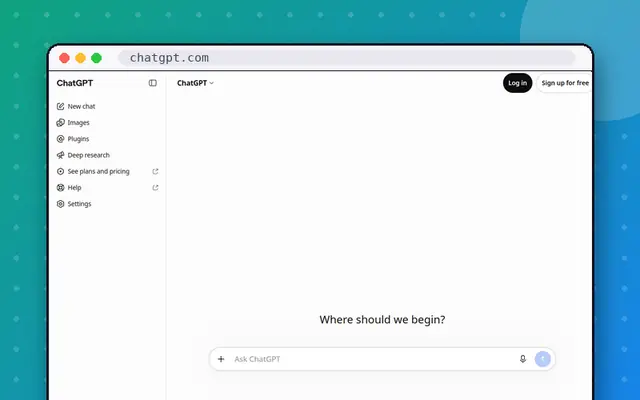
The most popular AI assistant, with the broadest feature set: chat, deep research, image generation, voice, agent mode and custom GPTs. Plans now run from $8 Go to $200 Pro.
- Category
- AI assistant
- Free plan
- Yes
- Paid from
- $8/mo
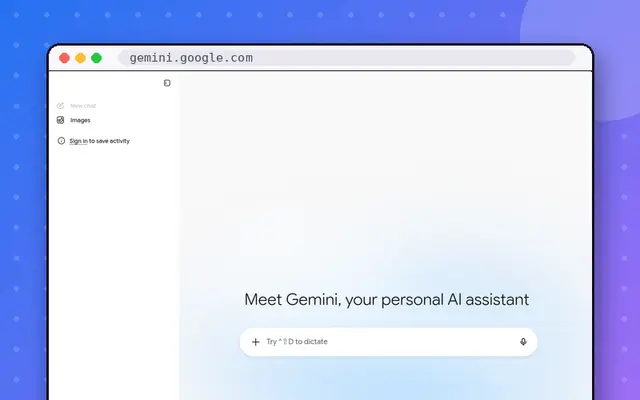
Google’s assistant, built into Gmail, Docs, Android and Chrome. AI Pro bundles 2 TB of Google storage, which makes it great value if you already pay for storage.
- Category
- AI assistant
- Free plan
- Yes
- Paid from
- $20/mo

A designer-friendly site builder that feels like a design tool: drag, animate and publish fast, with AI to generate pages and a growing CMS.
- Category
- Website builder
- Free plan
- Yes
- Paid from
- $10/mo
- Billed yearly
- $10/mo

The industry-standard tool for designing apps and websites together in real time, plus FigJam whiteboards, Figma Sites, dev handoff and AI features.
- Category
- AI image & design
- Free plan
- Yes
- Paid from
- $15/mo
- Billed yearly
- $12/mo